How to Build a Sales Funnel with Systeme.io: A Beginner’s Step-by-Step Guide
8 min read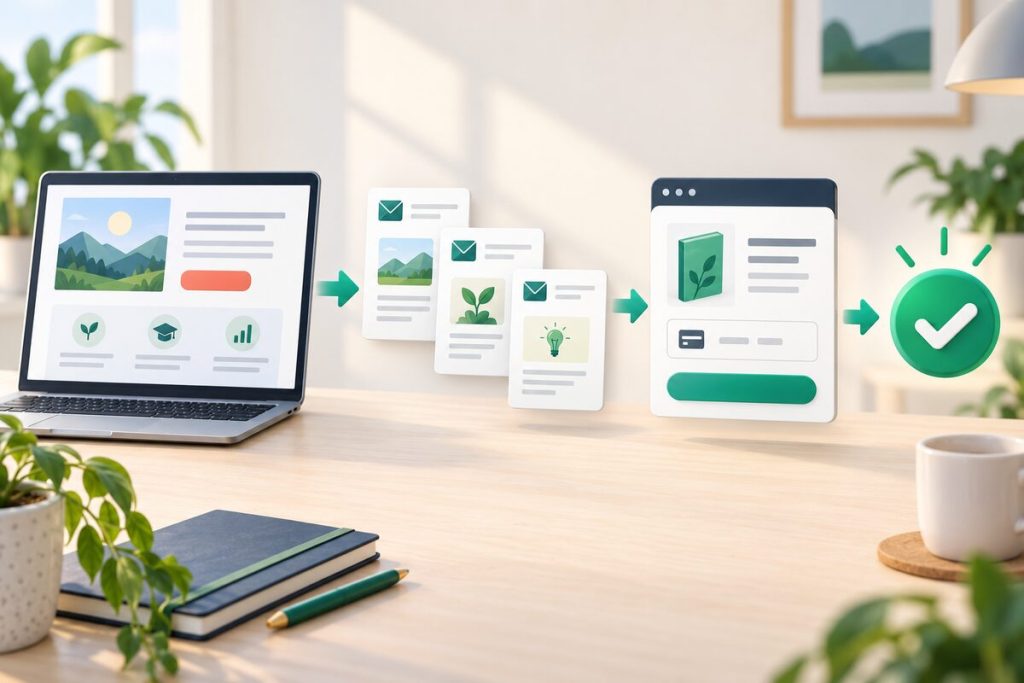
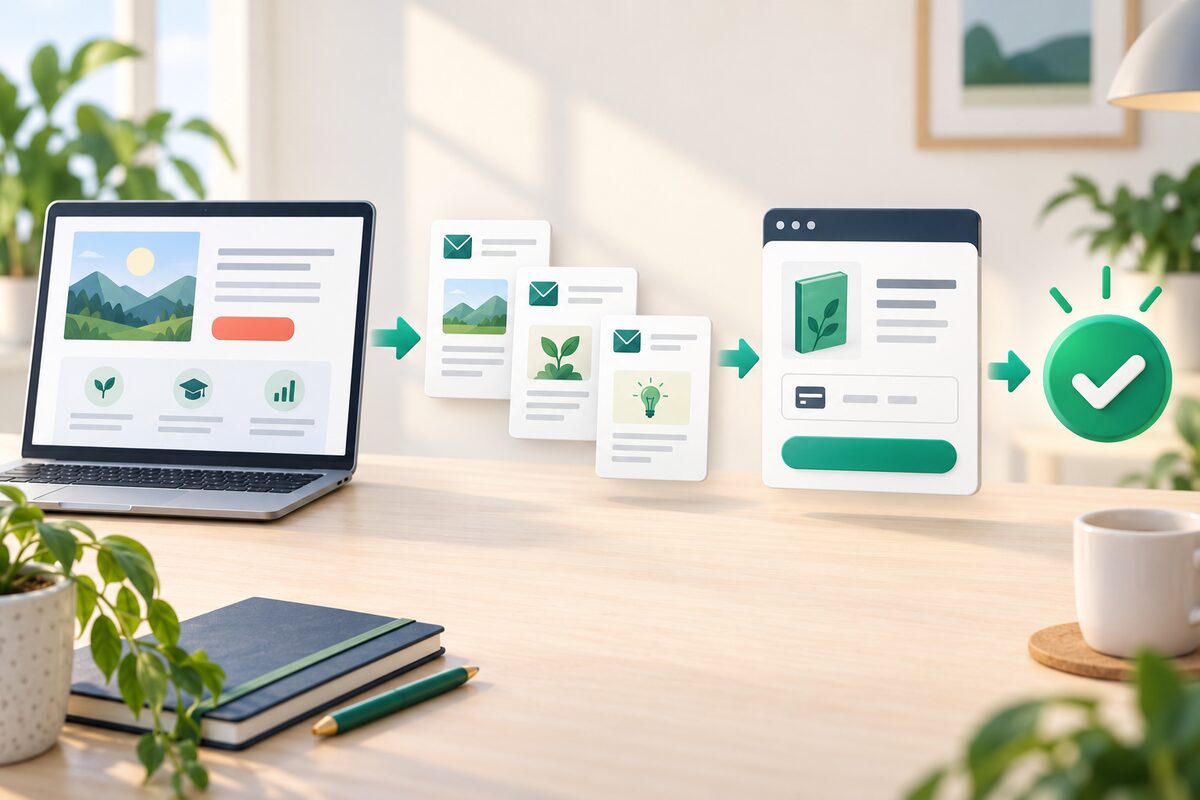
A practical visual roadmap for building a sales funnel with Systeme.io.
Affiliate disclosure: This article contains an affiliate link. If you sign up through our link, we may earn a commission at no extra cost to you. The guide is written to explain the workflow clearly, including where Systeme.io may not be the right fit.
Many new online businesses do not struggle because they lack ideas. They struggle because the customer journey is scattered: one tool captures leads, another sends emails, a third handles checkout, and a fourth delivers the product. This guide explains how to build a sales funnel with Systeme.io using a simpler, connected workflow.
Systeme.io currently combines a funnel builder, email marketing, automation, websites, courses, product selling, and other business tools in one platform. The exact screens and plan limits can change, but the underlying process stays similar: attract the right visitor, offer a useful next step, follow up with permission, present a relevant offer, and measure what happens.
Simple funnel map: Traffic → Opt-in page → Thank-you page → Welcome emails → Offer page → Checkout → Delivery and follow-up.
What is a sales funnel?
A sales funnel is a planned sequence that moves a potential customer from first contact to a meaningful action. That action might be joining an email list, booking a call, buying a course, or ordering a product.
A funnel is not just a landing page. A landing page may capture attention, but the full funnel also explains what happens next: how the visitor receives value, how questions are answered, how the offer is presented, and how the customer gets access after purchase.
Systeme.io is useful for this process because the pages, contacts, emails, offers, and delivery steps can be connected inside the same account. You can review the platform’s current funnel features on the official Systeme.io sales funnel page.
Before you build: define one clear offer
The most common beginner mistake is opening a funnel builder before deciding what the funnel is supposed to sell. Start with one audience, one problem, and one next step.
For example:
- A coach offers a free checklist and later invites subscribers to book a consultation.
- A course creator gives away a short lesson and later sells a structured course.
- A freelancer shares a useful template and later offers a project package.
- A small business collects inquiries and follows up with a quote or appointment.
Write down the main conversion goal in one sentence. “Get visitors to understand everything about my business” is too broad. “Get qualified visitors to download the checklist and join the welcome sequence” is specific enough to build and measure.
Step 1: Create your Systeme.io account
The official site currently advertises a free starting tier and no credit card required. That makes it practical to build a small test funnel before deciding whether you need more capacity.
When you first enter the dashboard, resist the temptation to configure every feature. You only need enough of the platform to test one customer journey. The account, a funnel, an email campaign, and one offer are a good starting scope.
Capacity limits and paid-plan details can change, so check the current Systeme.io pricing page if your list, course, or funnel requirements are larger.
Step 2: Choose the right funnel structure
For a lead-generation funnel, begin with an opt-in page and a thank-you page. The opt-in page explains the benefit of the free resource and collects the visitor’s email address. The thank-you page confirms the next step and sets expectations.
For a direct-sales funnel, you may need an offer page, an order form, and a confirmation or delivery page. For a course or webinar, the sequence may include registration, reminders, the presentation, and the offer.
Choose the smallest structure that can accomplish your goal. Every additional page creates another place where a visitor can become confused or leave.
Step 3: Build the opt-in page
The opt-in page should answer three questions quickly:
- What is this resource or offer?
- Who is it for?
- What does the visitor receive after submitting the form?
Use a clear headline focused on the outcome rather than the internal name of your product. Add a short explanation, a few specific benefits, and one primary call to action. Avoid placing several unrelated buttons on the page while you are still testing the basic message.
Systeme.io provides templates and a visual editor, so you can customize the page without writing code. Still, check the page on a phone. A page that looks fine on a large screen can become difficult to read when the headline wraps, the form moves below the fold, or the button becomes too small.
Step 4: Connect the form to your contact list
A form is useful only when the submission triggers the intended next step. Connect the form to the correct campaign, tag, or workflow. Use a simple naming system such as:
- Lead magnet: Checklist download
- Tag: Interested in consulting
- Campaign: New subscriber welcome
Do not add every subscriber to every campaign. A person who downloaded a pricing guide should not automatically receive the same emails as someone who bought a course. Basic segmentation keeps your follow-up more relevant and reduces unnecessary complaints or unsubscribes.
Step 5: Create a useful welcome email sequence
A new subscriber should know what to expect. A simple five-email sequence can be enough for a first test:
- Email 1 — Deliver the promised resource: Provide the link and explain what the subscriber can do next.
- Email 2 — Address the problem: Teach one practical idea related to the subscriber’s reason for opting in.
- Email 3 — Explain the method: Show a process, example, or common mistake.
- Email 4 — Handle objections: Answer a realistic concern about time, cost, difficulty, or fit.
- Email 5 — Present the offer: Explain who the offer is for, what it includes, and the next step.
Systeme.io’s email tools support broadcasts, sequences, tags, and automation. The software can send the messages, but the quality of the sequence comes from your understanding of the audience. A series of five generic sales pitches is not a nurturing strategy.
Step 6: Add the offer and checkout
Once the opt-in and follow-up sequence are working, connect the paid offer. Depending on your business, that may be a digital product, course, membership, service, appointment, or physical product.
Keep the offer page consistent with the promise that brought the visitor into the funnel. Explain:
- What the customer receives
- Who will benefit most
- What is included and what is not included
- How delivery or access works
- What support or next step is available
If an order bump or one-click upsell genuinely helps the customer, you can test it later. Do not add extra offers simply because the software makes them available. More choices can reduce clarity, especially for first-time buyers.
Step 7: Automate delivery and follow-up
A good funnel continues after the payment. A purchase can trigger a confirmation email, product delivery, course enrollment, a tag, or a change in the customer’s follow-up sequence. The exact setup depends on your offer and plan.
Before sending real traffic, place a test order or use the platform’s available test process. Confirm that:
- The confirmation message arrives.
- The buyer receives the promised product or access.
- The buyer is removed from promotional emails that no longer apply.
- Any course or membership permissions work correctly.
- The next follow-up message is appropriate for a customer.
Automation is valuable only when it behaves predictably. A broken delivery email can damage trust much faster than a slightly imperfect headline.
Step 8: Test the complete funnel
Do not test only the page editor. Walk through the funnel like a new visitor using a separate email address. Test both desktop and mobile layouts, and check the entire route from the first click to the final delivery message.
Pay attention to:
- Page loading and readability on mobile
- Form validation and confirmation messages
- Links, buttons, and redirects
- Email timing and formatting
- Checkout instructions and payment confirmation
- Product access and customer support details
Ask someone unfamiliar with the offer to complete the funnel. Their questions often reveal unclear wording that you stop noticing after looking at the page for too long.
Step 9: Measure the funnel and improve one variable at a time
A funnel should be improved using evidence rather than guesses. Start with a small set of metrics:
- Opt-in rate: How many relevant visitors submit the form?
- Email engagement: Are subscribers opening and clicking the messages?
- Offer-page engagement: Do people reach and understand the offer?
- Checkout completion: Where do prospective buyers stop?
- Customer quality: Are the people who convert actually a good fit?
If the opt-in rate is weak, review the promise, page clarity, and traffic source. If emails are opened but not clicked, improve the message and call to action. If visitors reach checkout but do not complete the purchase, inspect trust, pricing, payment options, and the amount of information requested.
Change one major variable at a time when possible. Otherwise, you will not know which improvement made the difference.
Common Systeme.io funnel mistakes
Trying to build too much at once
Start with one offer and one audience. A small funnel that works is more valuable than a large unfinished account.
Making the free resource unrelated to the paid offer
A lead magnet should attract people who may genuinely need the next solution. High download numbers are not helpful if the audience has no interest in your paid offer.
Sending sales emails before delivering value
Set expectations and deliver what was promised. Helpful education can make the later offer more relevant and easier to understand.
Ignoring deliverability and consent
Use permission-based email practices, a clear unsubscribe option, and clean lists. Automation does not remove your responsibility for compliant communication.
Assuming the tool will create traffic
Systeme.io can help organize and convert traffic, but you still need an audience strategy such as SEO, content, partnerships, paid advertising, or direct outreach.
Is Systeme.io a good choice for building a funnel?
For beginners and lean teams, Systeme.io is appealing because the funnel, email, automation, checkout, and delivery pieces can be managed in one place. That reduces the number of connections you have to maintain while you validate an offer.
It may not be the best fit for a business that needs a highly specialized CRM, advanced enterprise reporting, or a heavily customized ecommerce experience. The right test is practical: can you launch, test, and maintain your actual customer journey without constant workarounds?
Start building your Systeme.io funnel for free and test one focused customer journey before expanding.
Frequently asked questions
Can I build a Systeme.io funnel for free?
The official site currently advertises a free starting tier with no credit card required. Free-plan capacity and feature limits can change, so confirm the current details before relying on it for a larger business.
Do I need a separate email marketing tool?
Not necessarily. Systeme.io includes email campaigns, automated sequences, tags, and workflows. A separate tool may still be appropriate if you need specialized enterprise features or integrations.
How many pages should a beginner funnel have?
Use the fewest pages that can deliver the intended experience. A simple lead funnel may need an opt-in page and a thank-you page, followed by email and an offer page. Add steps only when they solve a real customer or business need.
How long does it take to build a funnel?
A basic funnel can be assembled quickly, but writing the offer, emails, testing, and measurement usually take longer than arranging the pages. Give more attention to the customer journey than to publishing the first draft of the design.
Last checked: September 2026. Systeme.io features, prices, and plan limits may change; verify current details on the official website.